
Help centre 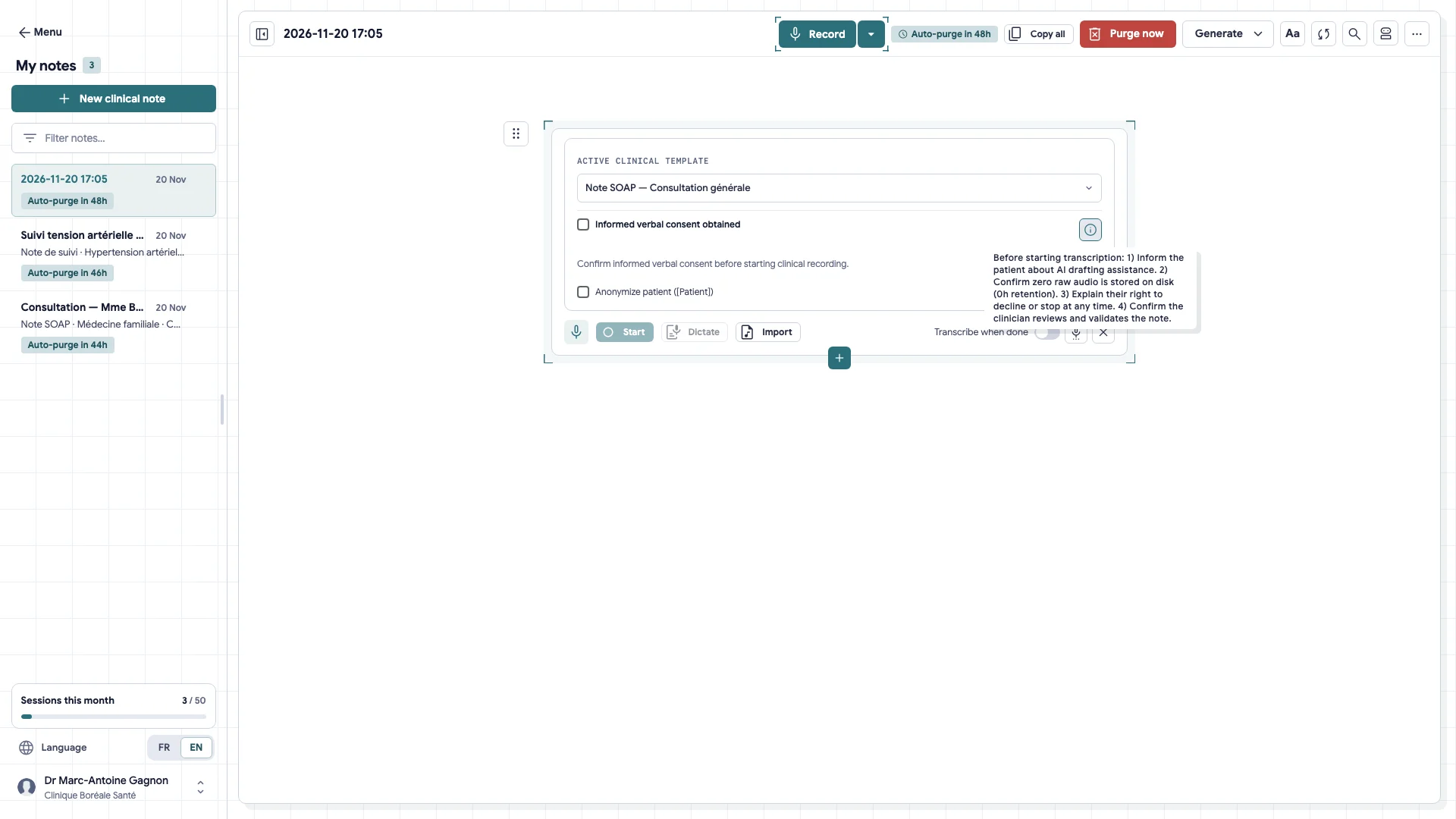
Silenoa guides
Short guides, one task at a time: a video to see how it's done, then the written steps.
Physicians & EMR 05
Start an encounter: consent and the microphone Choose your note template, get the patient's verbal consent, then open the microphone.
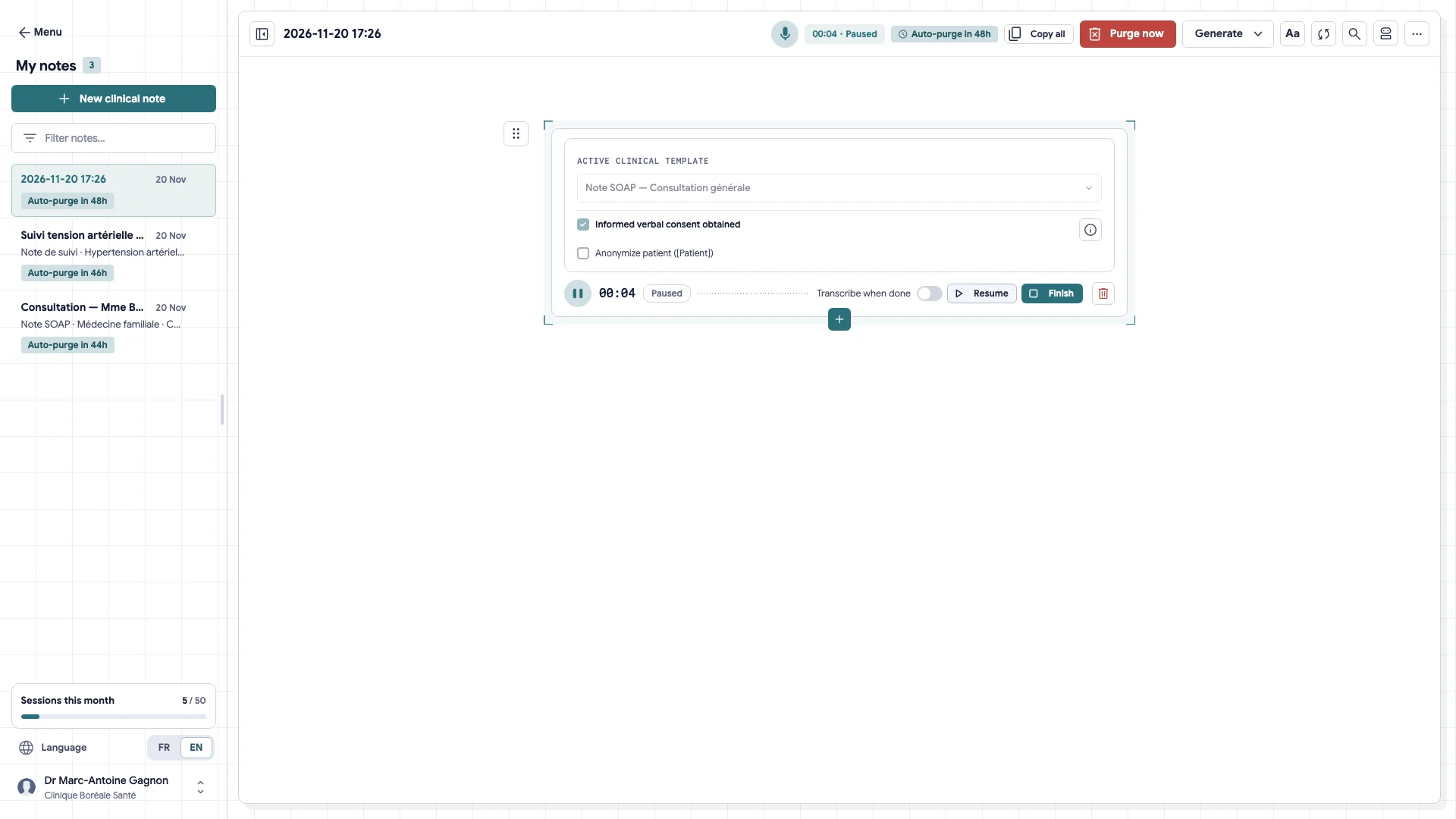
Pause during the physical exam or dictate afterwards Pause the microphone in one click during the physical exam, then resume the visit or dictate your clinical findings once the patient leaves.
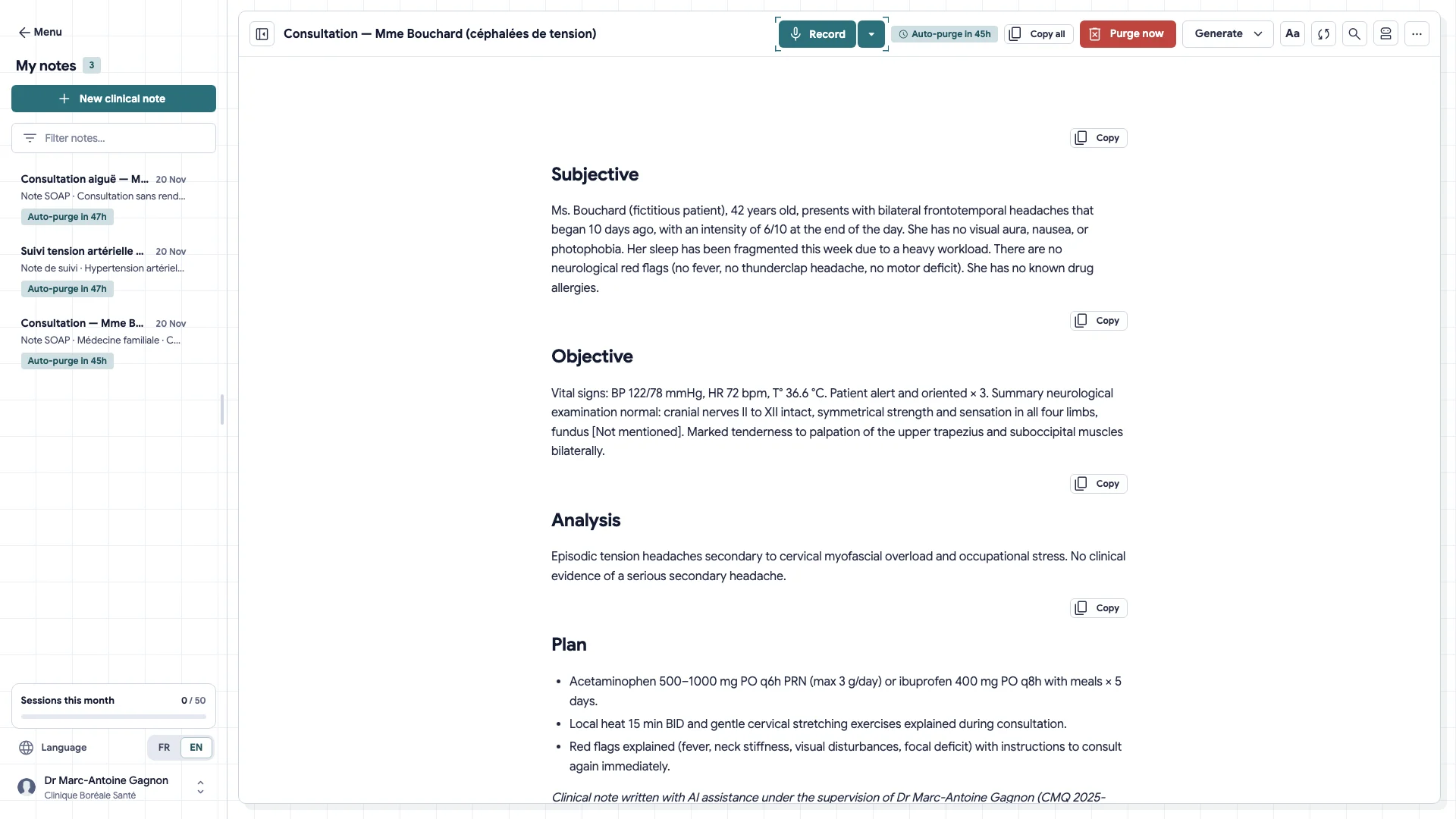
Review the SOAP note and correct a section The note comes in four sections. Review them one by one and correct what needs correcting before the transfer.
V-42
Fill your EMR in one click with the Chrome extension The extension places each section of the note in the right box of your EMR. You review and sign yourself.
V-62
Query your open EMR tab with Whisper Find a lab value, a dosage, or a history item visible in your active EMR tab, processed strictly in volatile session memory.
Clinics & Allied Health 05
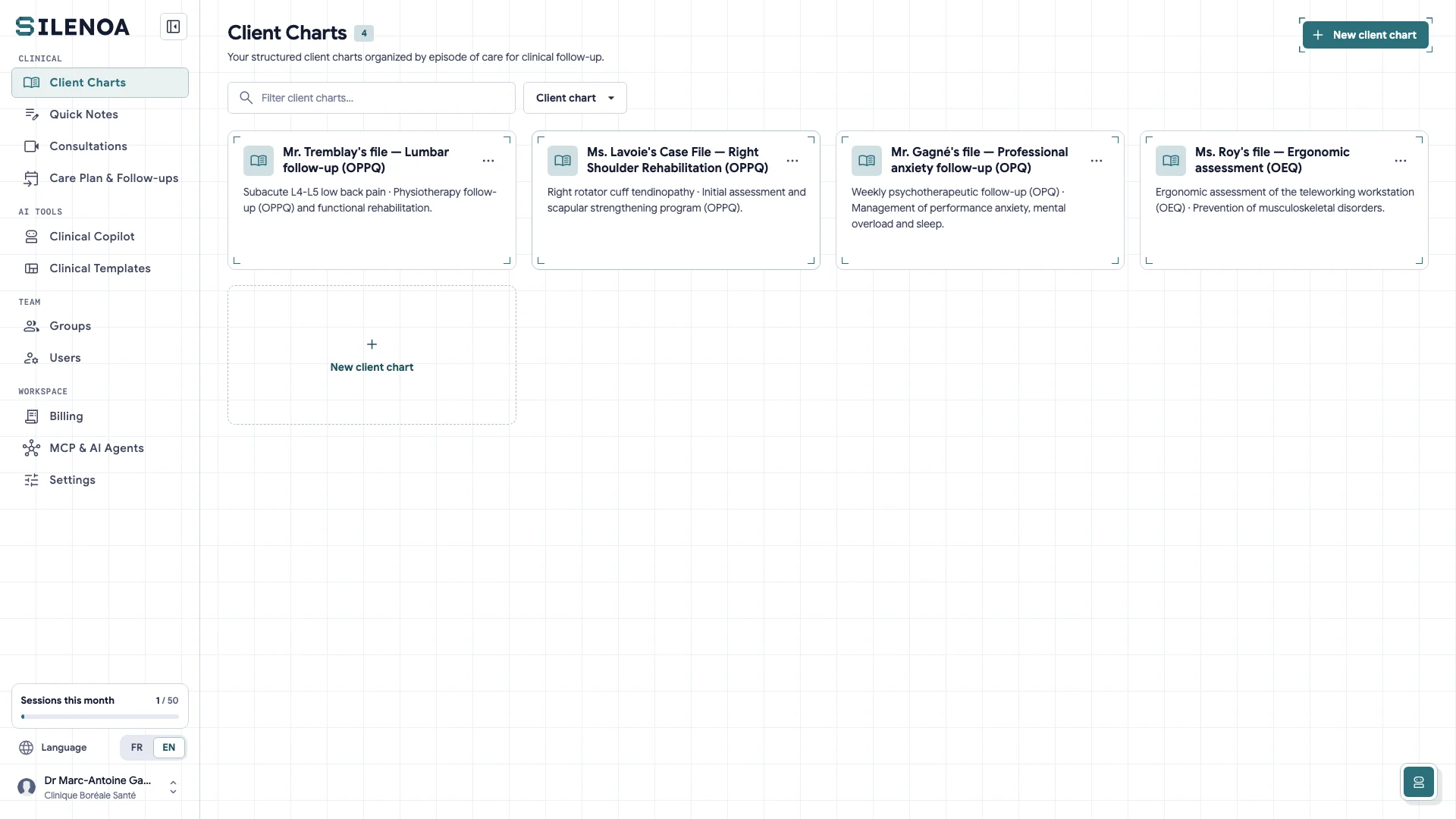
Create a client chart and set its specialty Open an encrypted longitudinal chart in Montréal, assign your professional college's note structure, and record the initial care plan.
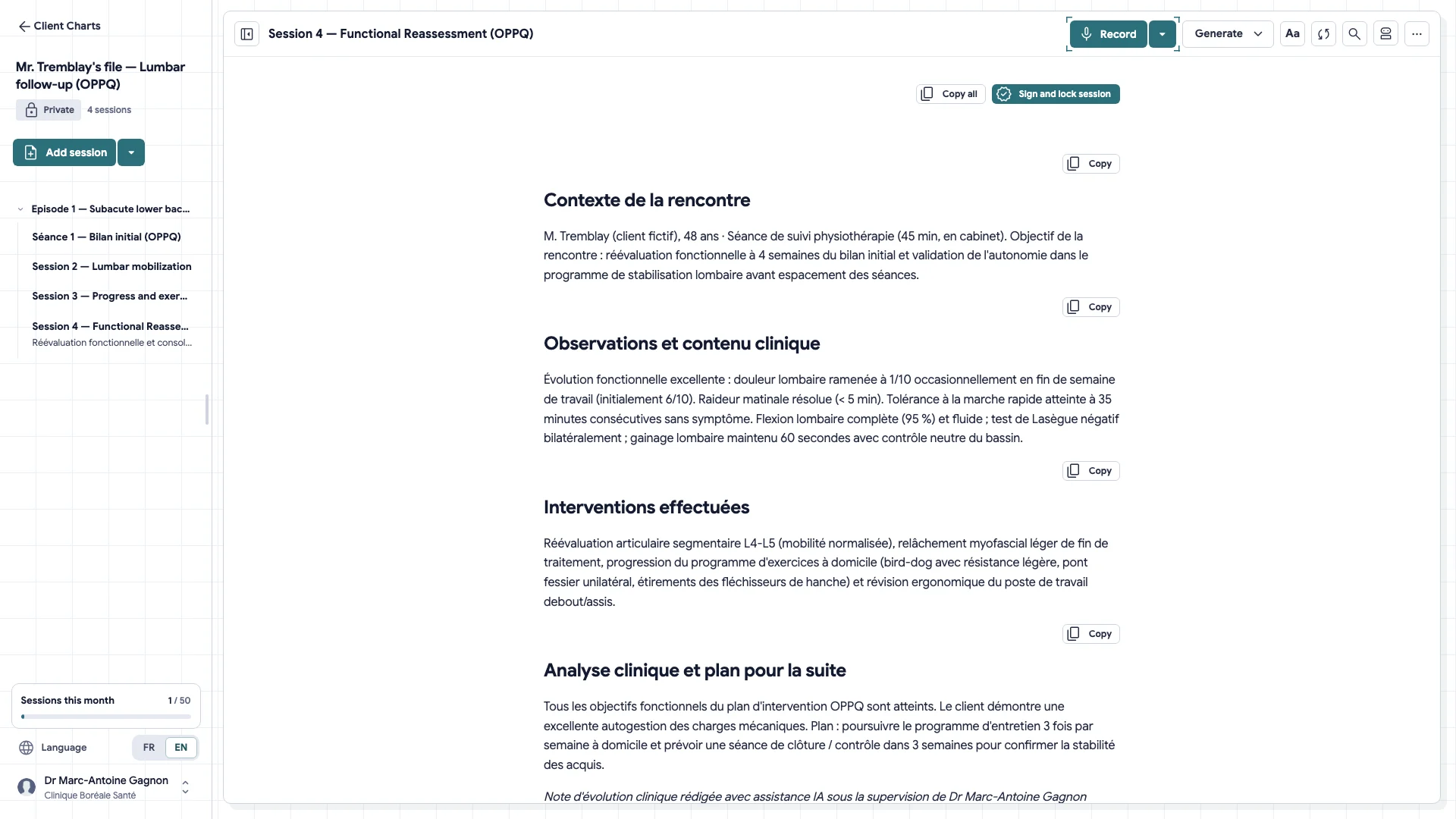
Open a session from a client's chart Starting from the chart, Whisper is locked to this client and finds what past sessions hold.
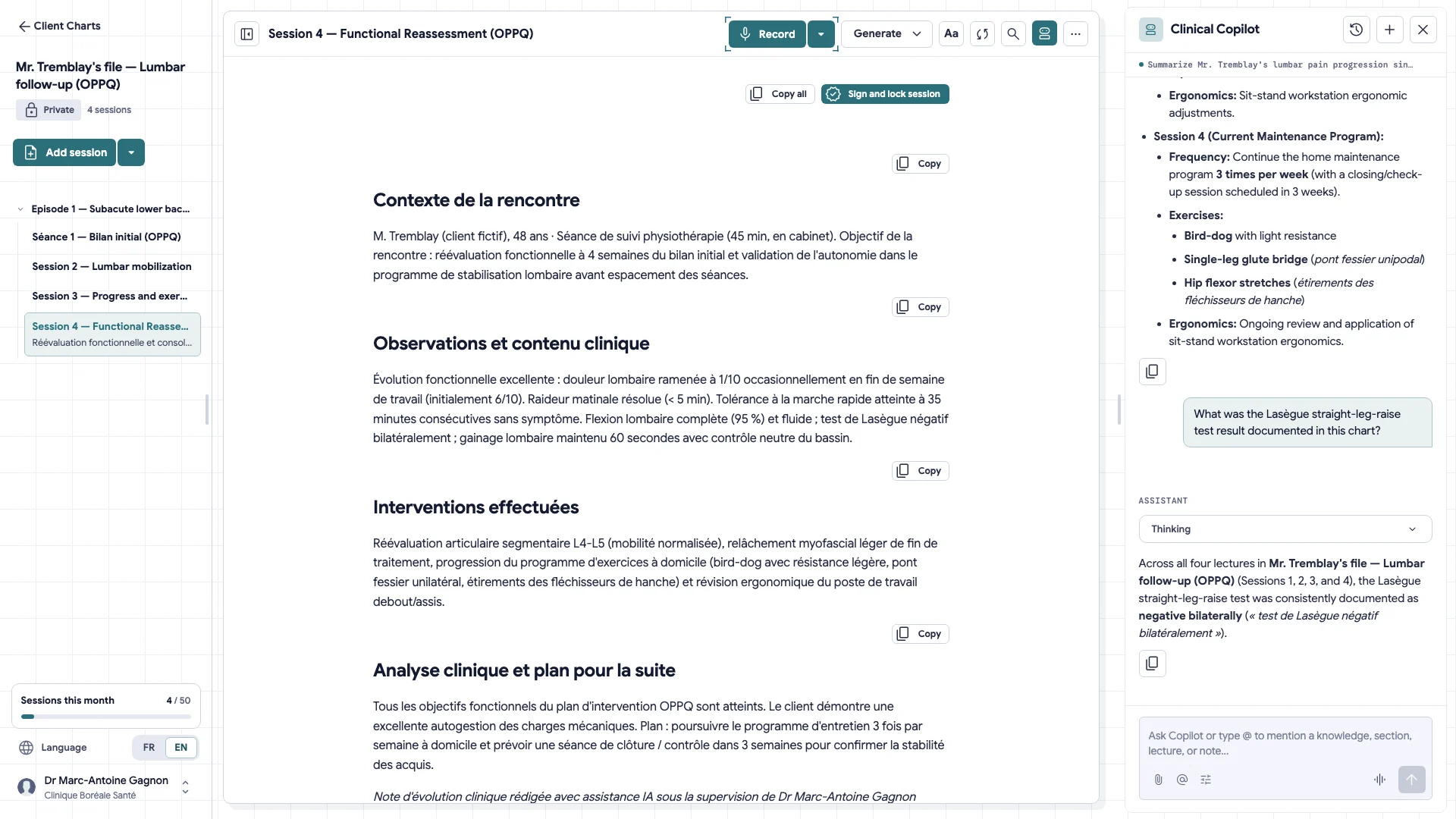
Recall a past goal or assessment with Whisper Query a client's full longitudinal history in 3 seconds before or during a session, protected by strict ContextLock isolation.
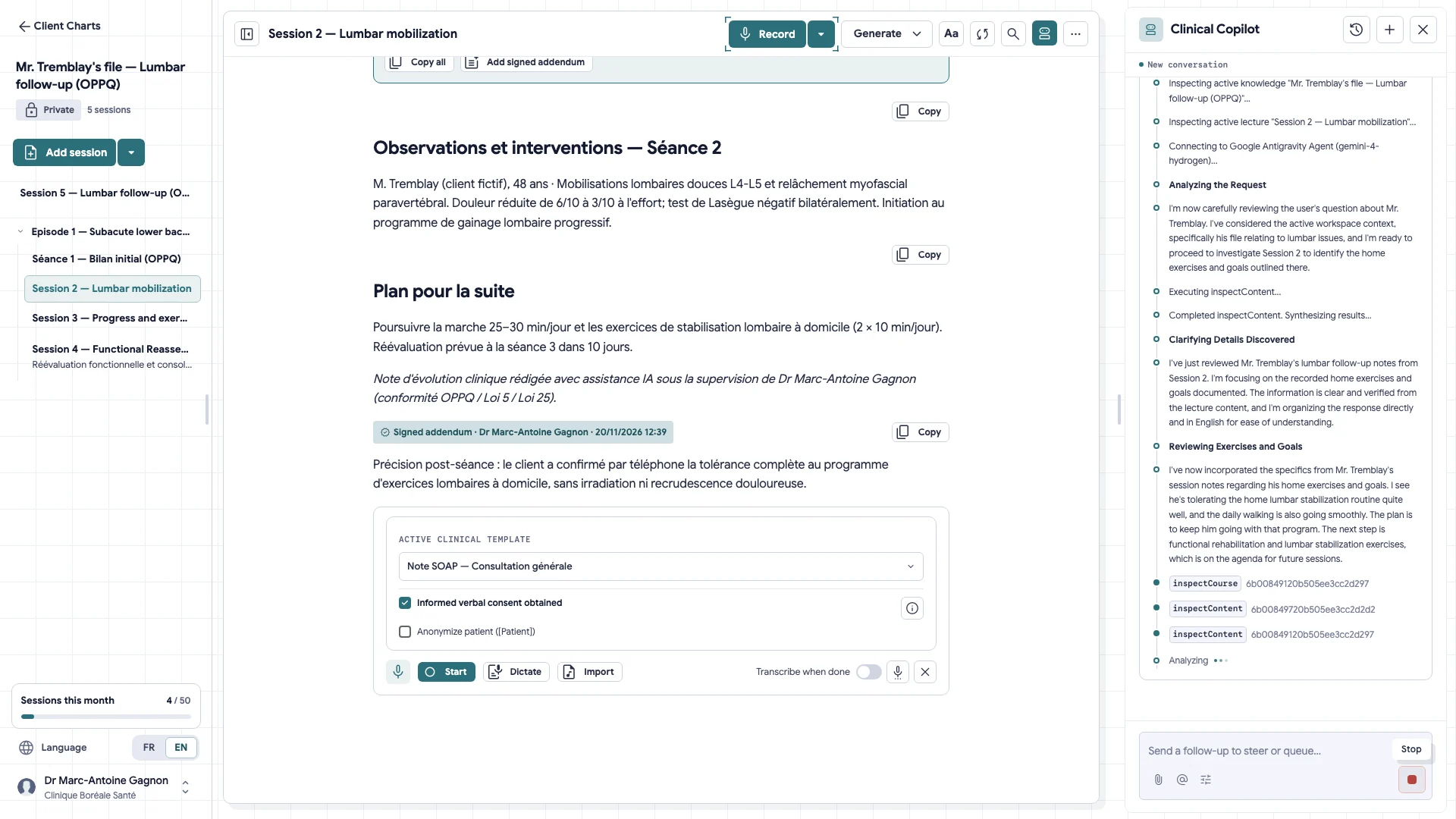
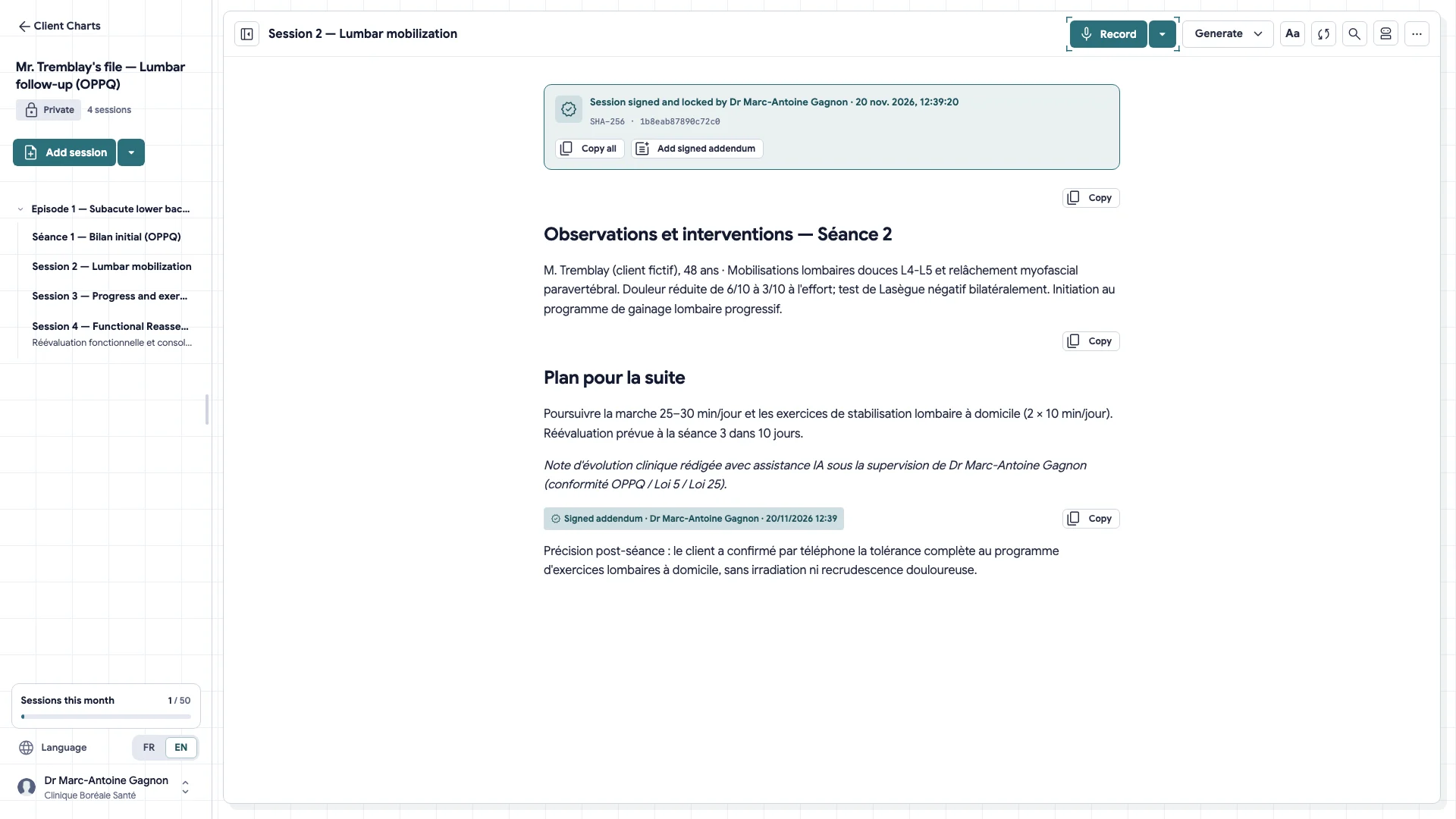
Sign a session and add an addendum A signed note no longer changes. To clarify something later, you add a dated, signed addendum.
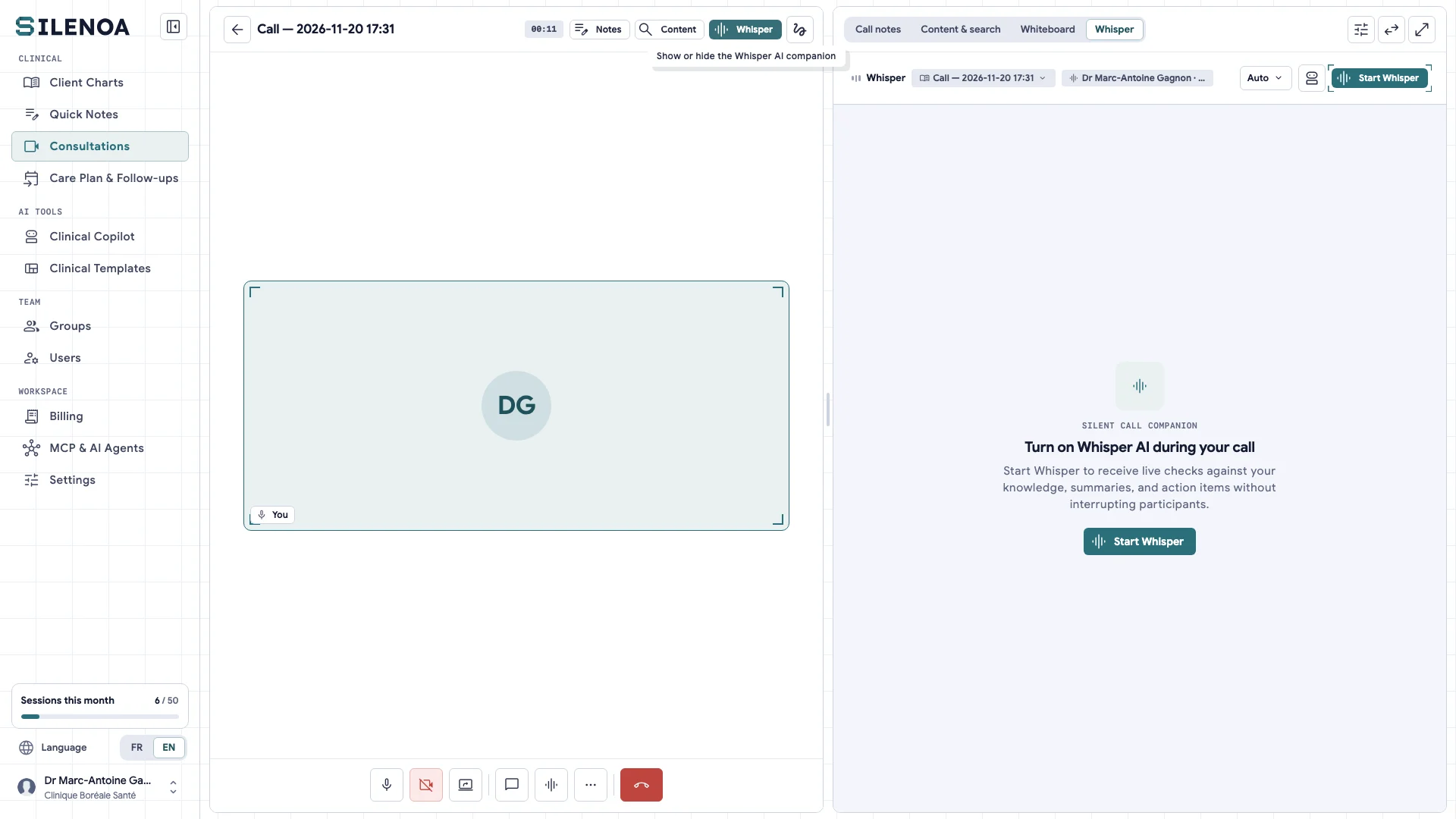
Hold a video session The video room is in the tool: no external link. The note is drafted during the session.
Templates, privacy & clinic 04
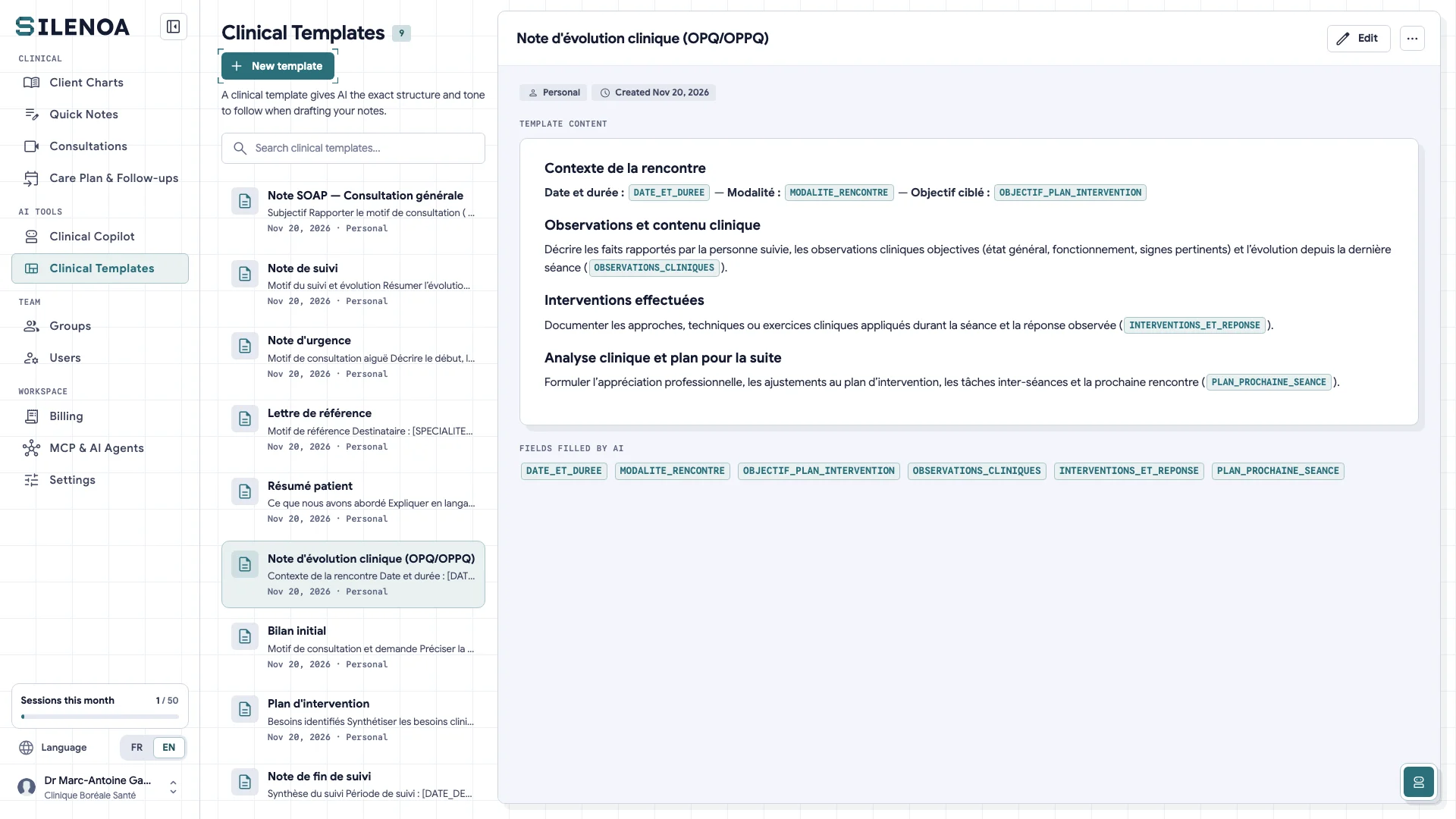
Customize your clinical note templates Tailor the sections, conciseness, and layout of your SOAP notes, referral letters, or specialty progress notes.
V-43
Set how long drafts are kept By default, a draft deletes itself after 48 hours. You can shorten this delay, or extend it up to 30 days.
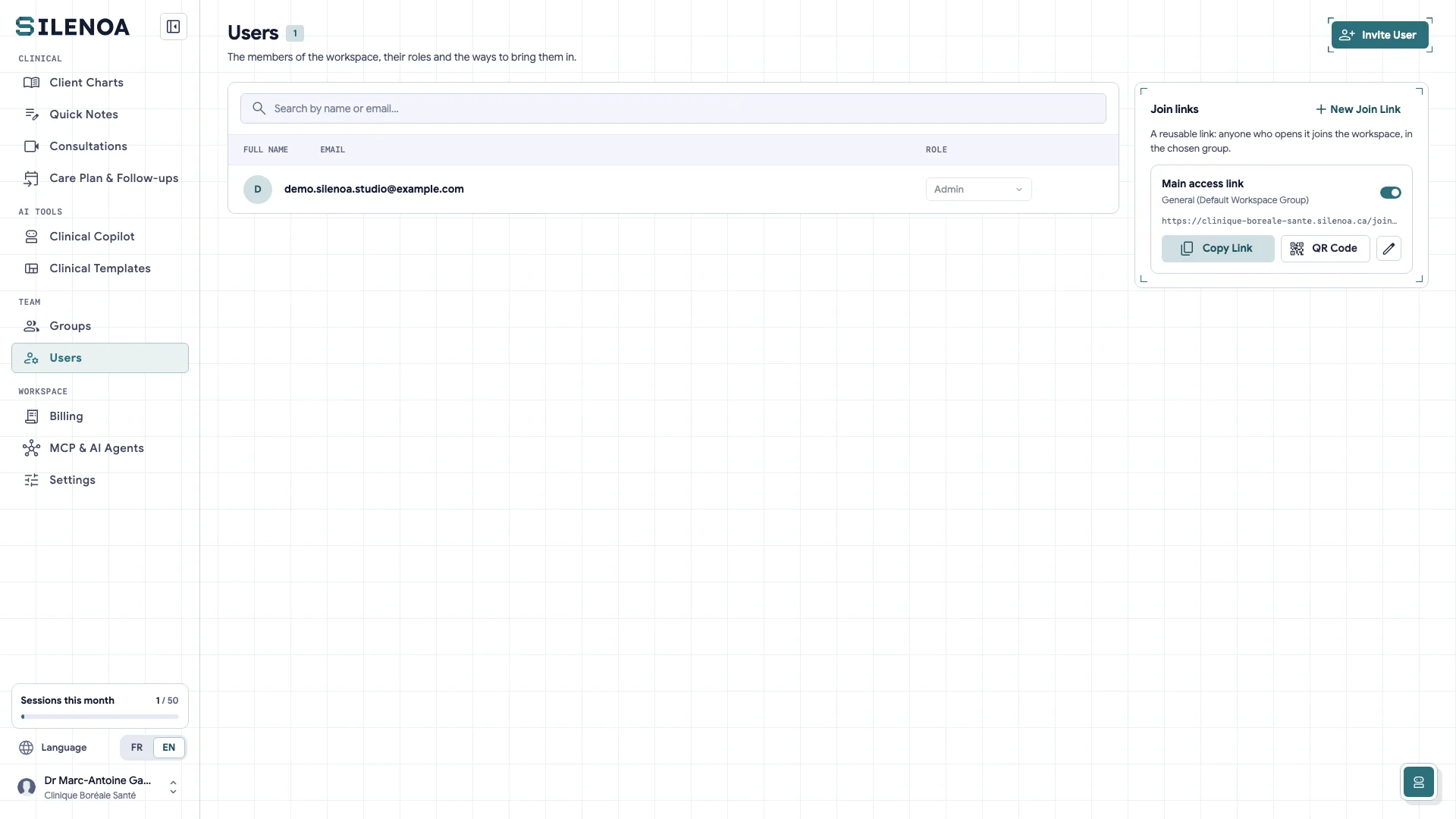
Invite practitioners and manage clinic access Onboard clinicians in your clinic or FMG, assign clean role permissions, and enforce a shared Law 25 governance policy.
Export a chart to PDF and read the audit log For an inspection or a client's request: export the whole chart, and see who opened it.
No guide matches.
Can't find the answer?
Contact us → Write to us and we'll get back to you.